Example projects

Realistic ways custom software can help

These are illustrative example projects, not client case studies. They show the kinds of problems Software You Own can help with.

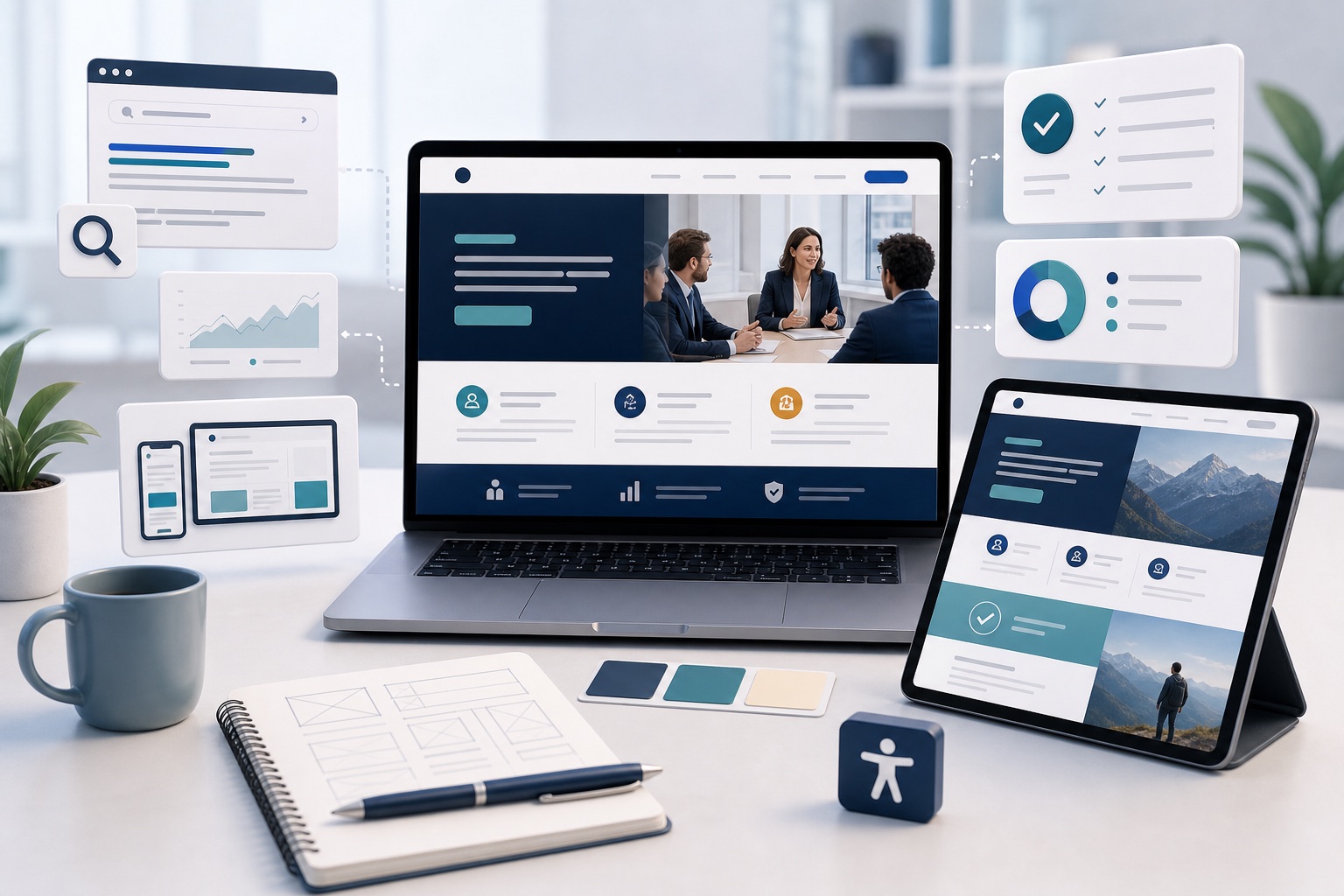
Illustration of a modern business website shown across laptop and tablet with SEO, landing page and accessibility elements.

Example: Ridgeway Advisory

A modern website that can grow with the business

Scenario: A professional service business needs a clearer website that explains what it does, works well on mobile and supports future campaigns.

View details

Problem

  • Old pages are hard to update
  • Important services are unclear
  • Mobile layout feels dated
  • Campaign traffic has nowhere focused to land
  • Search engines have little structured content to understand

Possible solution

  • Fast modern website
  • Clear service pages
  • Responsive accessible layouts
  • SEO-friendly page structure
  • Campaign landing pages
  • Maintainable content and image foundations

Benefits

  • Clearer first impression
  • Easier enquiries
  • Better campaign support
  • More maintainable website
  • Room to add tools or portals later

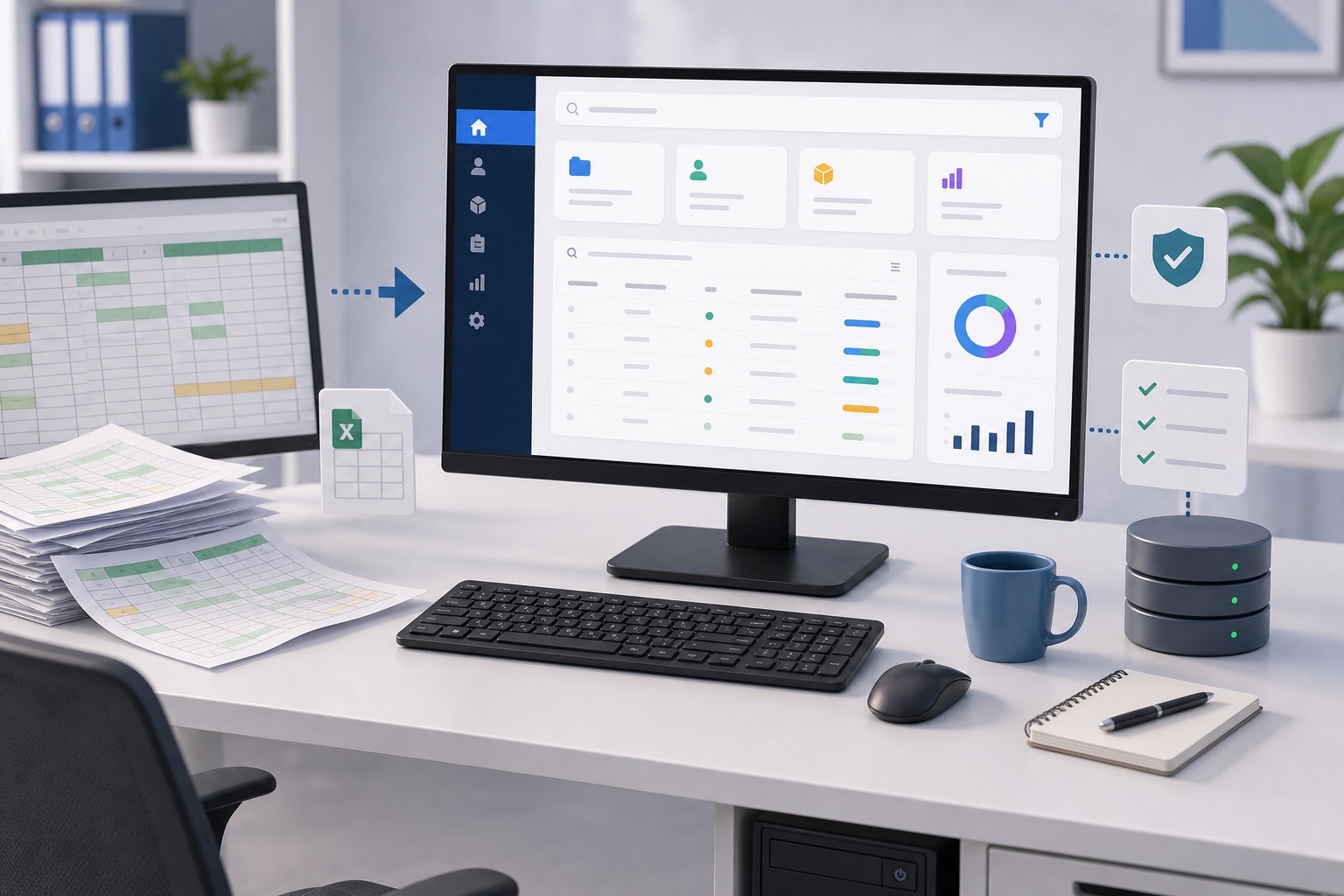
Illustration of a desktop PC monitor, keyboard and spreadsheet papers being turned into a secure stockroom web app dashboard.

Example: Northfield Stockroom

Replacing a business-critical spreadsheet

Scenario: A team tracks jobs, customers or stock in a spreadsheet that has grown too important and too fragile.

View details

Problem

  • Multiple people editing copies
  • Mistakes are hard to track
  • Reporting is manual
  • No clear permissions
  • Hard to use on mobile

Possible solution

  • Simple secure web app
  • Shared database
  • Search and filters
  • Validation rules
  • Exportable reports
  • Optional PDF generation

Benefits

  • Fewer errors
  • Easier reporting
  • Better visibility
  • Less dependency on one spreadsheet expert
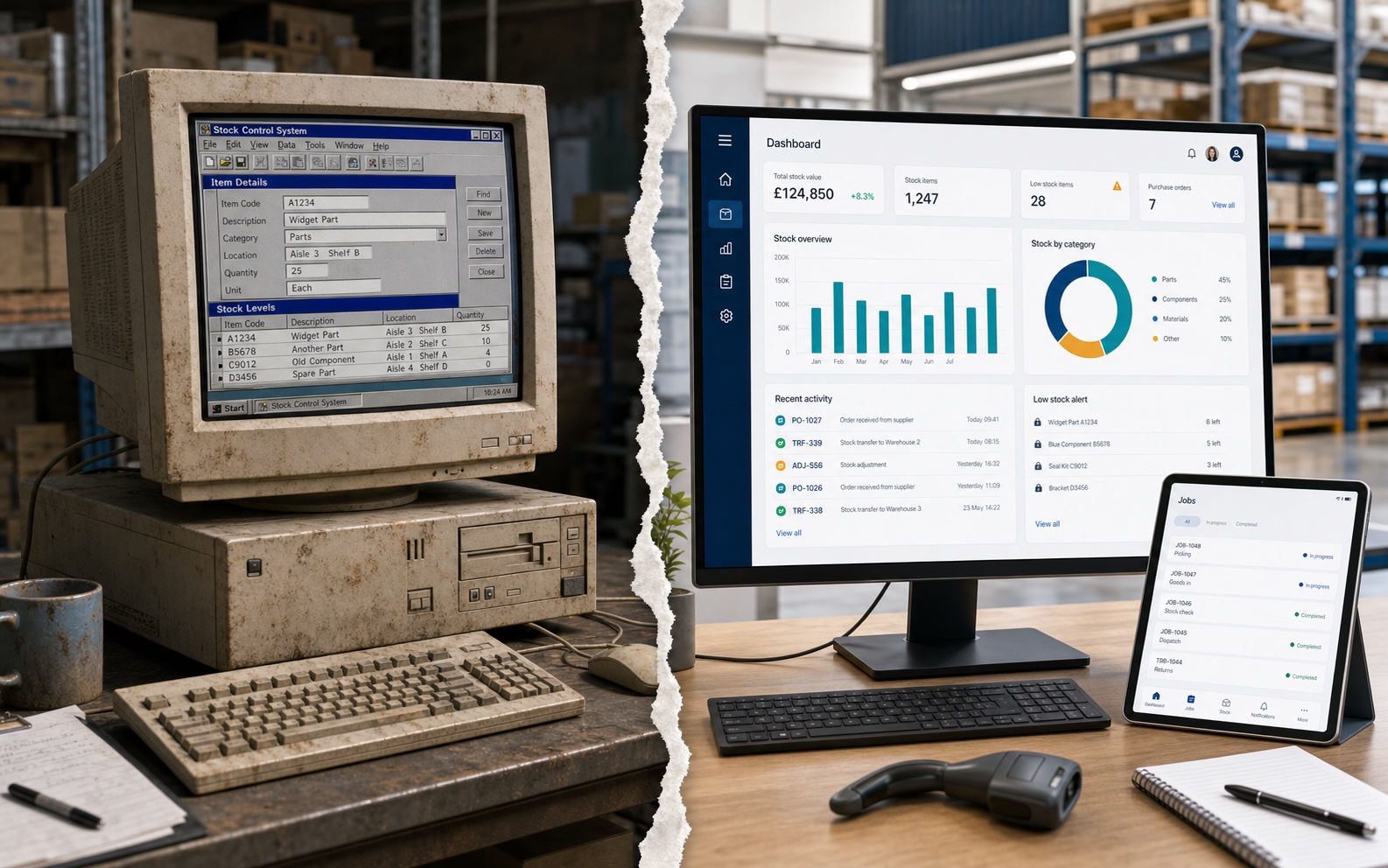
Illustration of an old dusty warehouse computer running outdated software on the left, separated by a torn transition from a modern replacement dashboard on the right.

Example: Maltby Warehouse

Updating old faithful software before it becomes a risk

Scenario: A warehouse, office or workshop still relies on old software that does the job, but only runs on an unsupported computer or operating system.

View details

Problem

  • Old computer is hard to replace
  • The operating system is no longer supported
  • One machine or one person keeps the process alive
  • Backups and security are unclear
  • New staff find the system awkward to use

Possible solution

  • Review what the old system does well
  • Keep the useful workflow
  • Rebuild the important parts in modern software
  • Move data into safer storage
  • Create a familiar but cleaner interface
  • Plan a careful changeover

Benefits

  • Less risk from ageing hardware
  • Easier support
  • Better security
  • A system new staff can learn
  • Modern foundations without losing what worked
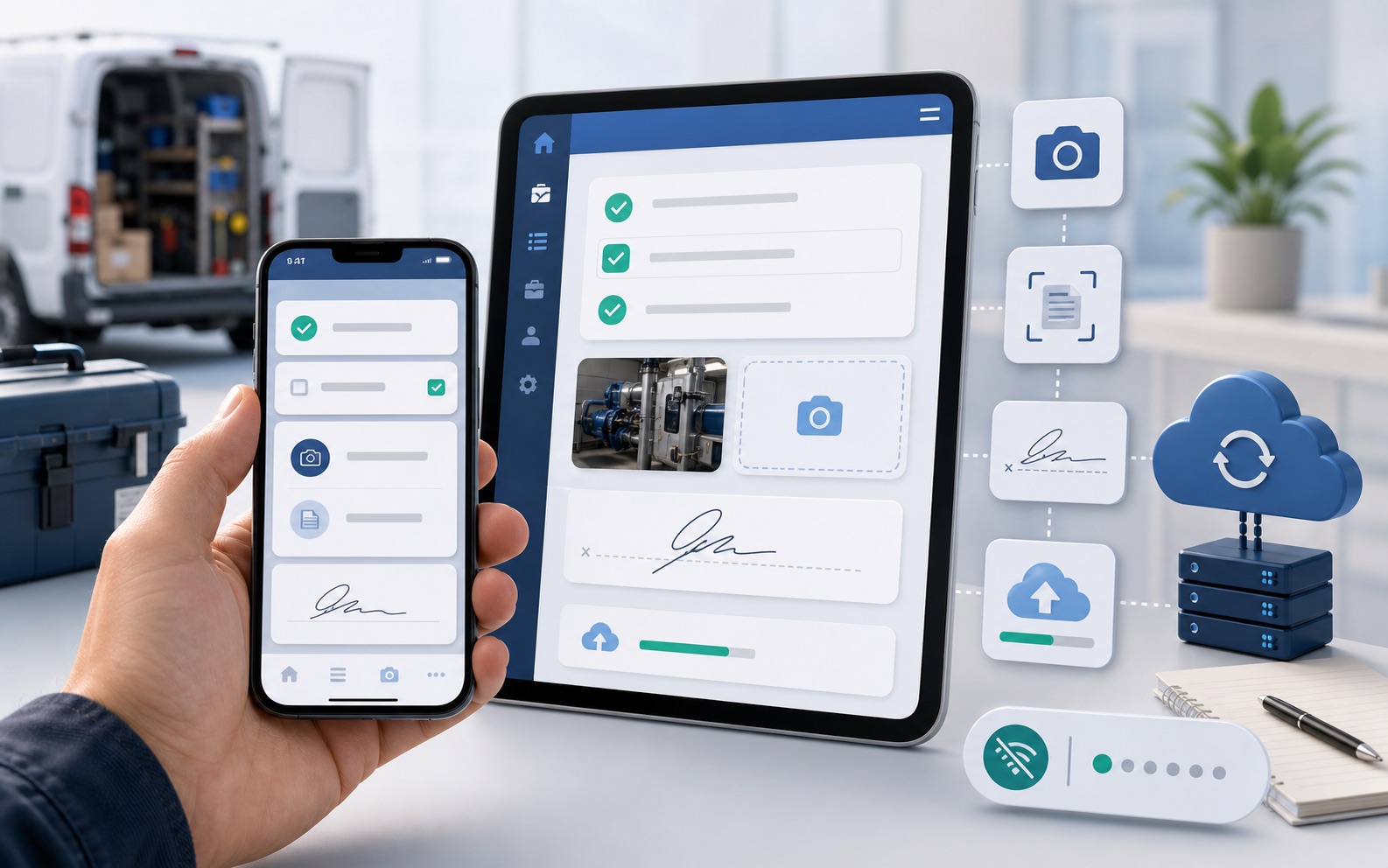
Illustration of a mobile app workflow with checklists, photo capture, scanning and sync.

Example: Fieldnote Services

A focused mobile app for staff or customers

Scenario: A business needs staff to capture information away from the office or wants customers to interact with a simple app.

View details

Problem

  • Paper forms
  • Photos sent through messages
  • Delayed updates
  • Information retyped later
  • Hard to track job status

Possible solution

  • Phone or tablet app
  • Job checklist
  • Photo capture
  • Document scanning
  • Customer signature or confirmation
  • Sync to a secure system
  • Offline-friendly behaviour if required

Benefits

  • Faster updates
  • Better quality data
  • Less admin
  • Better customer experience
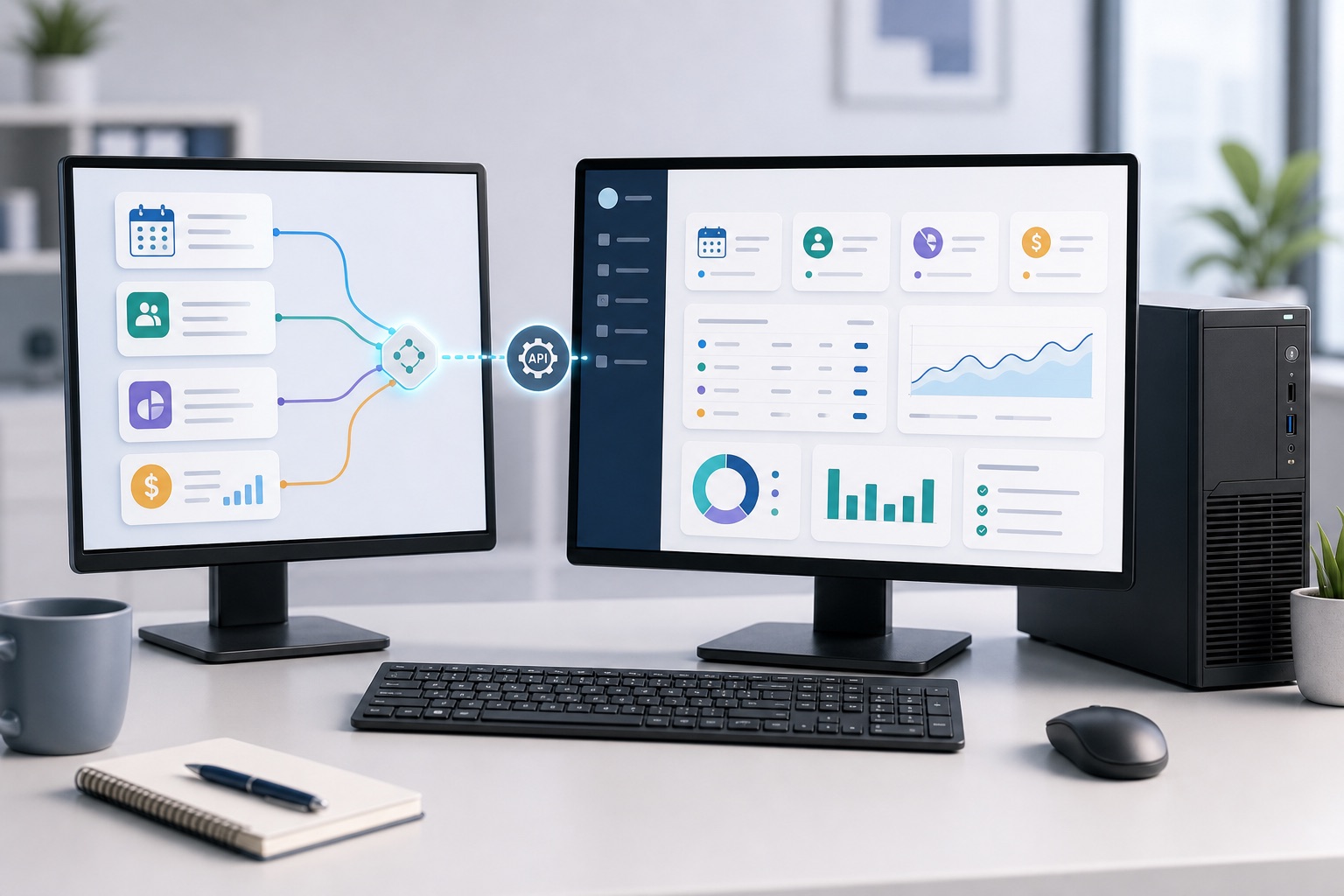
Illustration of desktop PC monitors showing accounting, booking, CRM and calendar tools connected into one dashboard.

Example: Clearview Bookings

Connecting the tools you already use

Scenario: A business already likes its accounting, booking or CRM system, but information is spread across several tools.

View details

Problem

  • Staff switch between systems
  • Management reports take too long
  • Data is copied manually
  • No single view of what is happening

Possible solution

  • Custom dashboard
  • Connections to other systems where available
  • Scheduled imports/exports
  • Reporting layer
  • Alerts or reminders

Benefits

  • Keep the tools that work
  • Reduce manual copying
  • Better visibility
  • Avoid unnecessary replacement
Illustration of subscription cards and useful software tools connected to a small owned system.

Example: LeanStack Supplies

Replacing one expensive workaround

Scenario: A company pays for several SaaS tools, but one or two are only used for a small feature.

View details

Problem

  • Monthly costs keep growing
  • Tools overlap
  • Staff still use spreadsheets
  • The software does not quite match the process

Possible solution

  • Identify what is genuinely needed
  • Keep valuable SaaS tools
  • Replace one awkward or expensive part with a small owned system
  • Integrate where useful

Benefits

  • Clearer costs
  • Less duplication
  • Better fit
  • No unnecessary big rebuild
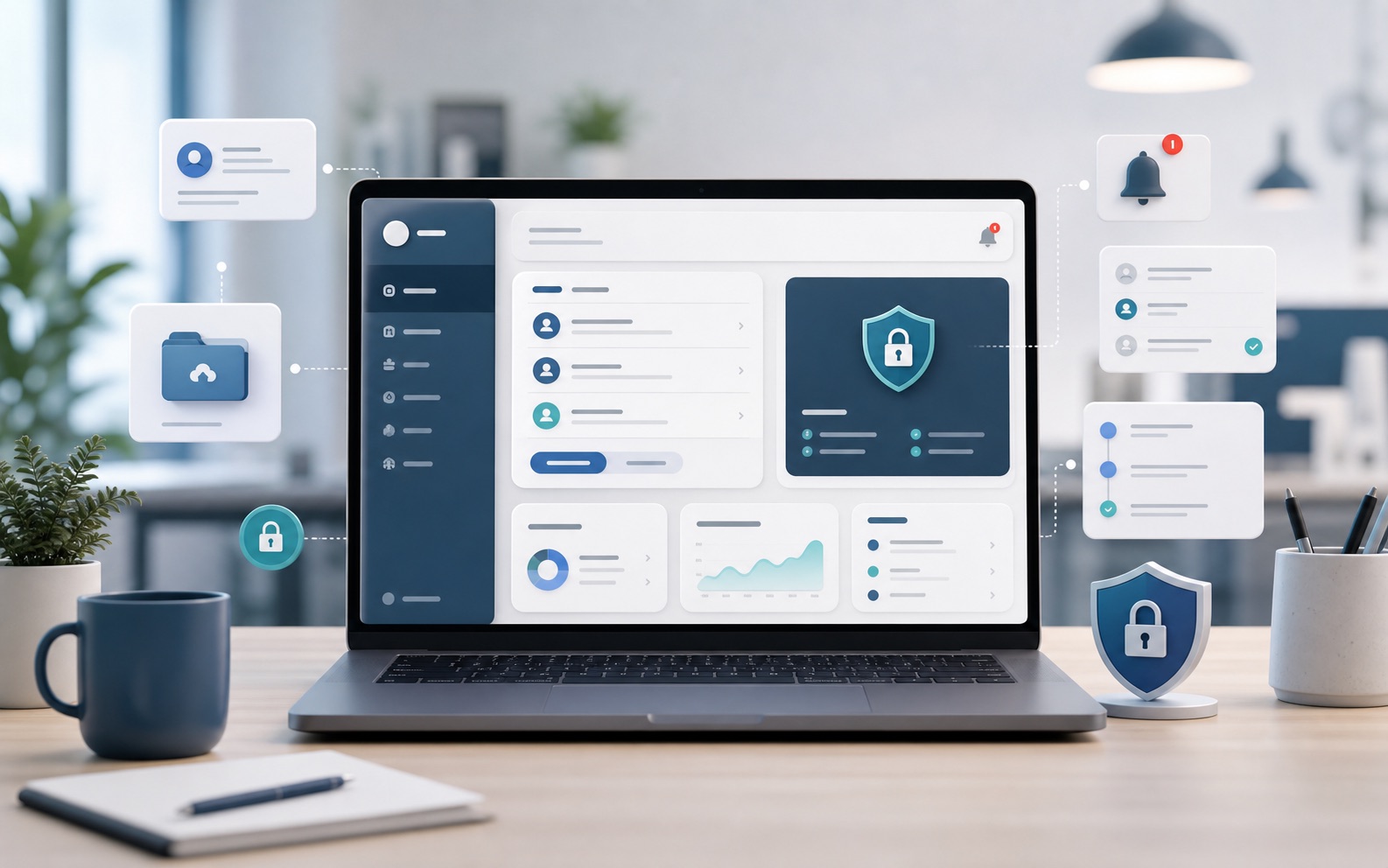
Illustration of a secure portal with uploads, status updates, notifications and admin dashboard.

Example: Harbour Portal

A simple portal for customers, staff or partners

Scenario: A business needs a secure place for people to view information, upload files, request updates or complete tasks.

View details

Problem

  • Requests arrive by email
  • Files are hard to track
  • Customers ask for updates manually
  • Staff duplicate admin work

Possible solution

  • Secure portal
  • Login-based access
  • Uploads
  • Status updates
  • Notifications
  • Admin dashboard

Benefits

  • Better communication
  • Reduced admin
  • Clearer process
  • More professional experience
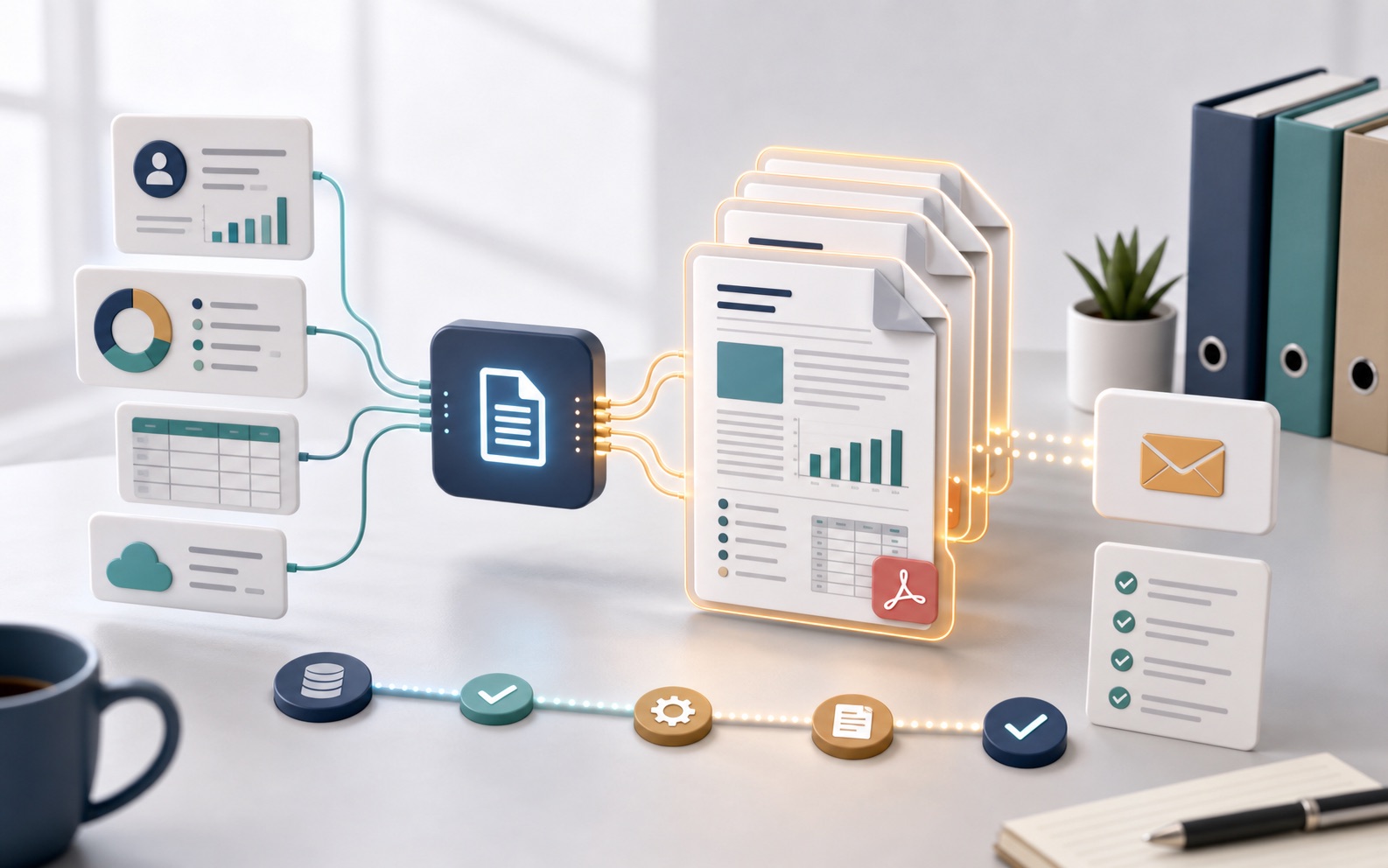
Illustration of data flowing into generated reports, PDF documents and email-ready outputs.

Example: Papertrail Works

Automated reports, PDFs and documents

Scenario: A business creates regular reports, certificates, invoices, summaries or documents manually.

View details

Problem

  • Copy/paste work
  • Formatting inconsistencies
  • Manual errors
  • Time-consuming admin

Possible solution

  • Data entry workflow
  • Templates
  • PDF generation
  • Email-ready outputs
  • Audit trail if needed

Benefits

  • Saves time
  • More consistent documents
  • Fewer mistakes
  • Easier repeatability

Have a similar workflow to discuss?

The initial chat is free. Any paid work is agreed in writing before development begins.

Book a free initial chat